


AI Copilot
Not a chatbot. A full agent that reads, acts, and waits for your approval before touching anything.
"Who needs CCNA when you've got ProSSH?"
SSH into a MikroTik, ask the AI to audit your firewall, watch it inspect every rule, generate a precise patch, show you a diff — and wait for your click before touching anything.
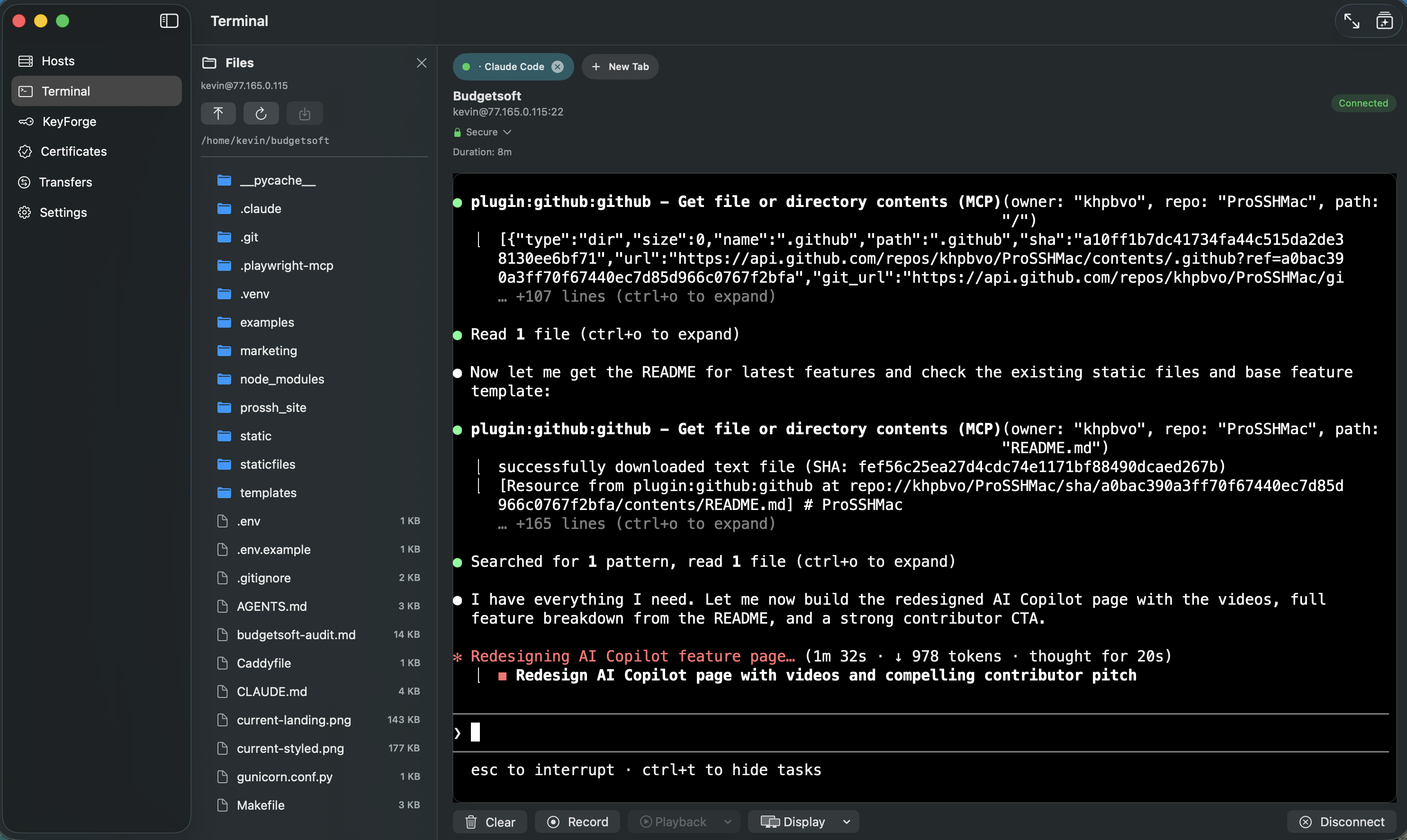
⌘⌥I opens the AI sidebar inside your terminal. It reads your screen, runs commands, and browses files without you switching context.
The AI SSHes into the MikroTik, reads the existing firewall rules, generates an address list, shows you a precise diff, and applies it only after you click Approve.
From a single prompt, the AI configures a PPP profile, adds a secret (dial-in user), and confirms the result — all through approved commands, nothing executed behind your back.
Powerful. But you stay in control.
The AI runs a multi-step agent loop powered by the OpenAI Responses API. It can inspect your system, read files, run commands — but before any change lands, it pauses and shows you exactly what it wants to do.
AI reads the screen, retrieves command history, browses the filesystem — all without executing anything.
It generates a precise patch — a unified diff — and shows it to you as an inline card before any file or config is touched.
You click Approve. Only then does the change apply — locally or on the remote host via SSH.
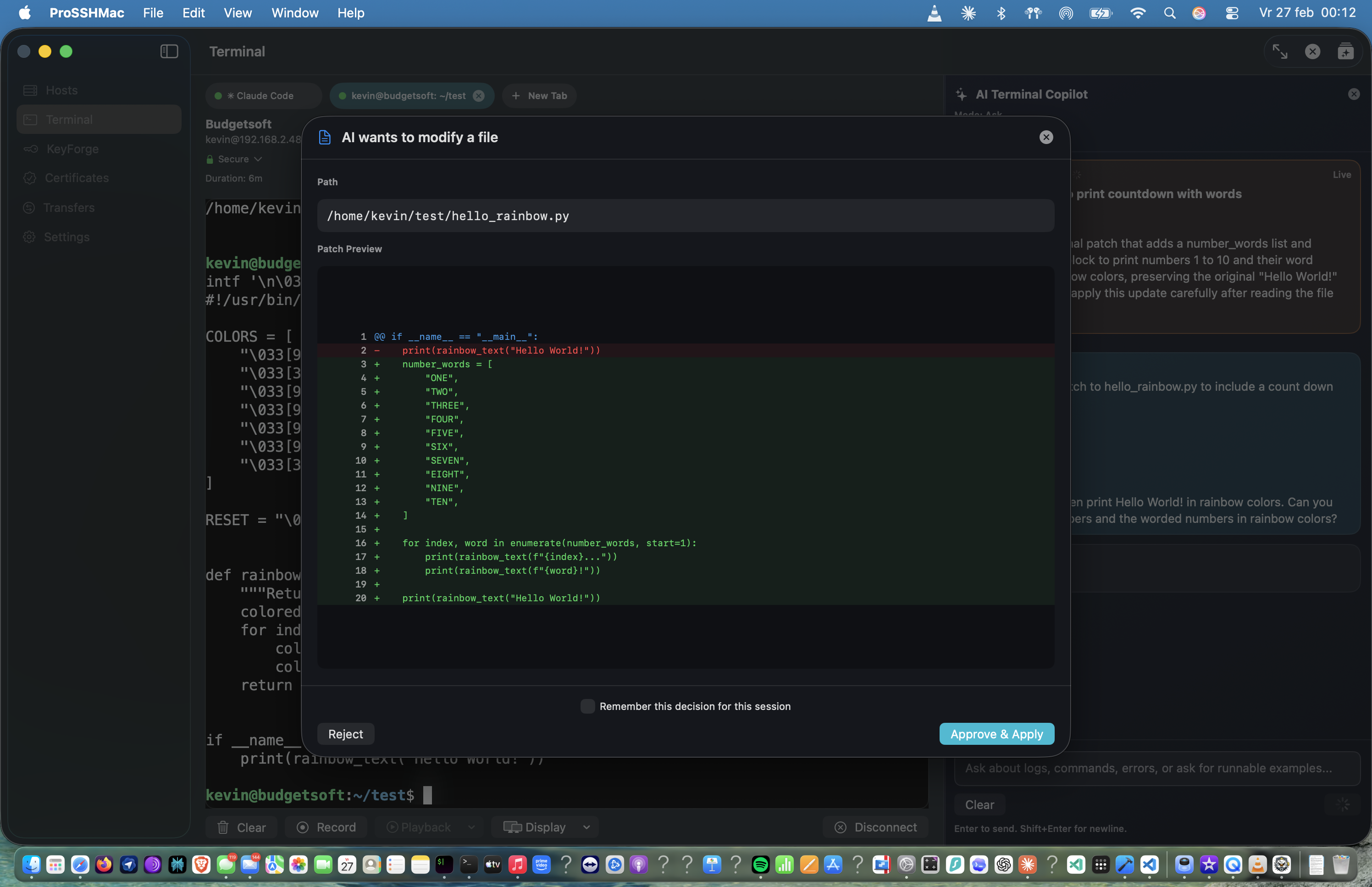
The patch dialog shows you the exact diff — red lines removed, green lines added — before a single byte is written to disk or to the remote host.
11 tools. Up to 200 iterations. Persistent context.
Open the sidebar with ⌘⌥I and the agent has access to everything below.
| get_current_screen | Read the current visible terminal contents |
| get_recent_commands | List recent commands with exit codes and output previews |
| get_command_output | Retrieve full output of any past command by ID |
| search_terminal_history | Search commands and output across the whole session |
| get_session_info | Get hostname, OS, working directory, connection type |
| execute_and_wait | Run a command and return output + exit code in one step |
| execute_command | Fire-and-forget for interactive or long-running programs |
| send_input | Write to a running process — answer prompts, send Ctrl+C, tab-complete |
| search_filesystem | Find files by name pattern |
| search_file_contents | Search for text across files |
| read_file_chunk | Read a file in bounded 200-line windows |
| read_files | Batch read up to 10 files in one call |
| apply_patch | Apply a V4A unified diff to local or remote files. Shows an inline diff card — change only lands after you click Approve. |
Multi-provider AI. Bring your own key.
ProSSH Mac ships with a unified LLM layer. Swap providers in Settings — no reinstall, no build flag. API keys are stored securely in the macOS Keychain. No telemetry, no backend.
Anthropic (Claude) and Gemini planned — see the roadmap.
Device-aware intelligence
The AI understands the CLI patterns and prompt formats of different operating systems and network devices. It knows you're not on Linux when it sees a RouterOS prompt.
Everything else in the sidebar
- • Triggered with ⌘⌥I — opens a full sidebar panel inside the terminal window
- • Conversation memory — the AI remembers prior turns so you can follow up without repeating context
- • OSC 133 shell integration — semantic command history with exit codes, not just raw terminal text
- • Works in both local terminal sessions and remote SSH sessions
- • Markdown rendering — rich, readable responses with headers, code blocks, and tables
- • Up to 200 agent iterations per request; direct action prompts ("run X") use a 15-iteration fast path
-
•
Context-persistent via OpenAI Responses API
previous_response_id— no context lost between turns - • Your API key, stored securely in the macOS Keychain — no backend, no telemetry
Help build what's next
The AI Copilot is the most ambitious part of ProSSH Mac — and there's still a lot to build. If you're a Swift developer, network engineer, or just someone who thinks SSH clients should be smarter, join the project.