


ProSSH Mac
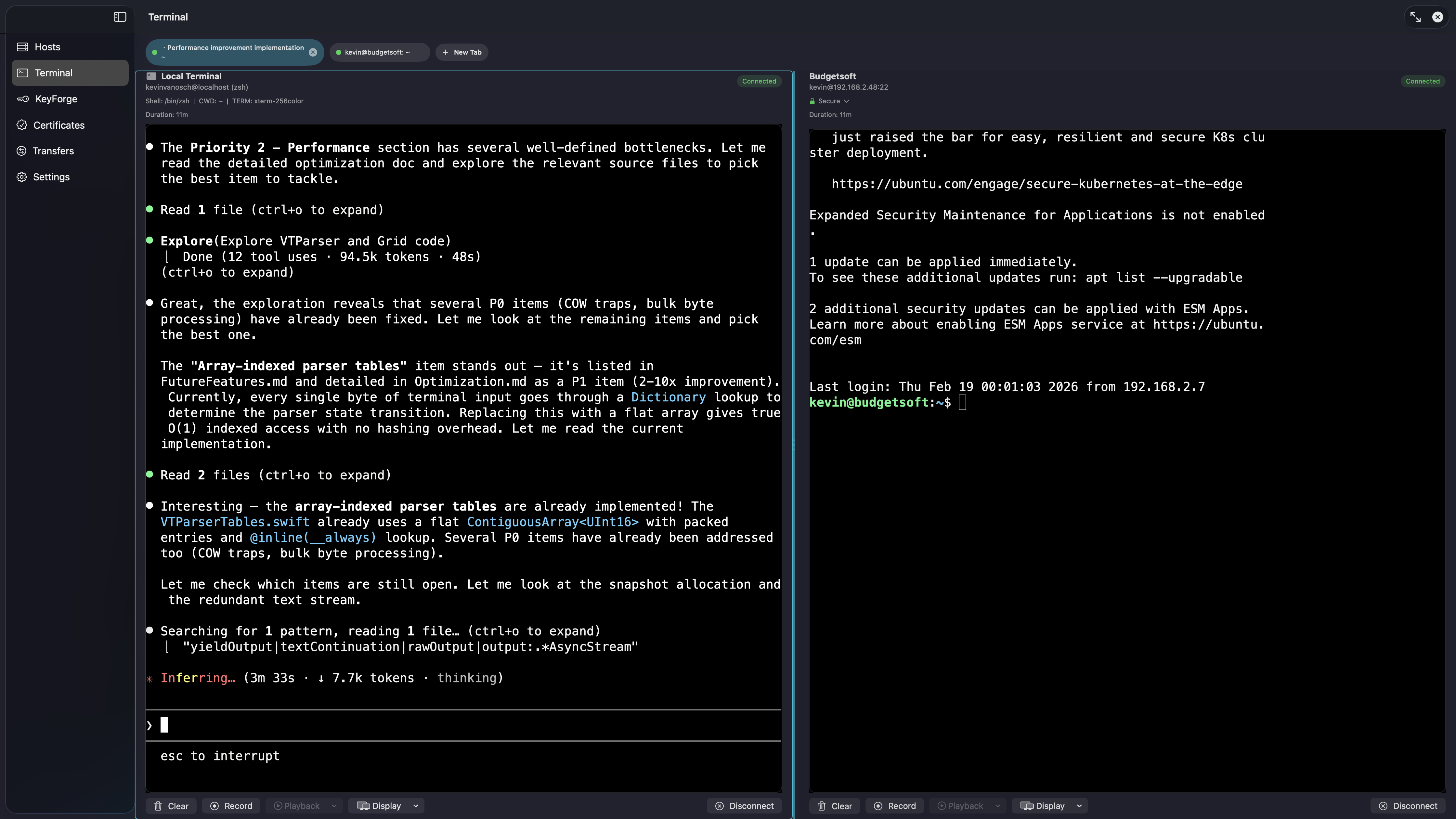
Flexible split-screen layouts for managing multiple sessions simultaneously
Multi-pane terminal layouts
Split your workspace into multiple panes and manage several sessions side by side. Resize panes, detach to external windows, and restore your layout automatically.
- • Flexible multi-pane split layouts — horizontal and vertical
- • Draggable dividers to resize panes on the fly
- • External terminal windows — detach any pane to a standalone window
- • Persistent layout storage — your arrangement is restored on launch
Broadcast input & solo pane
Send keystrokes to every visible pane simultaneously — or lock a single pane as the input target while keeping the rest visible. Useful for running the same command across a fleet of servers at once.
- • ⌘⇧B toggles broadcast mode — every keystroke is mirrored to all panes
- • Solo pane mode routes input to one designated pane while broadcast is active — for commands that shouldn't run everywhere
- • Visual indicators show which panes are receiving input and which is the solo target
- • Works with SSH sessions, local shell sessions, or any combination